A guided tour
Six features. One clinical workflow.
Scroll through how OmniscribeAI turns a visit into a signed, source-checked note — and what each step gives back to the clinician.
The problem
Clinicians lose hours to documentation for every hour of care.
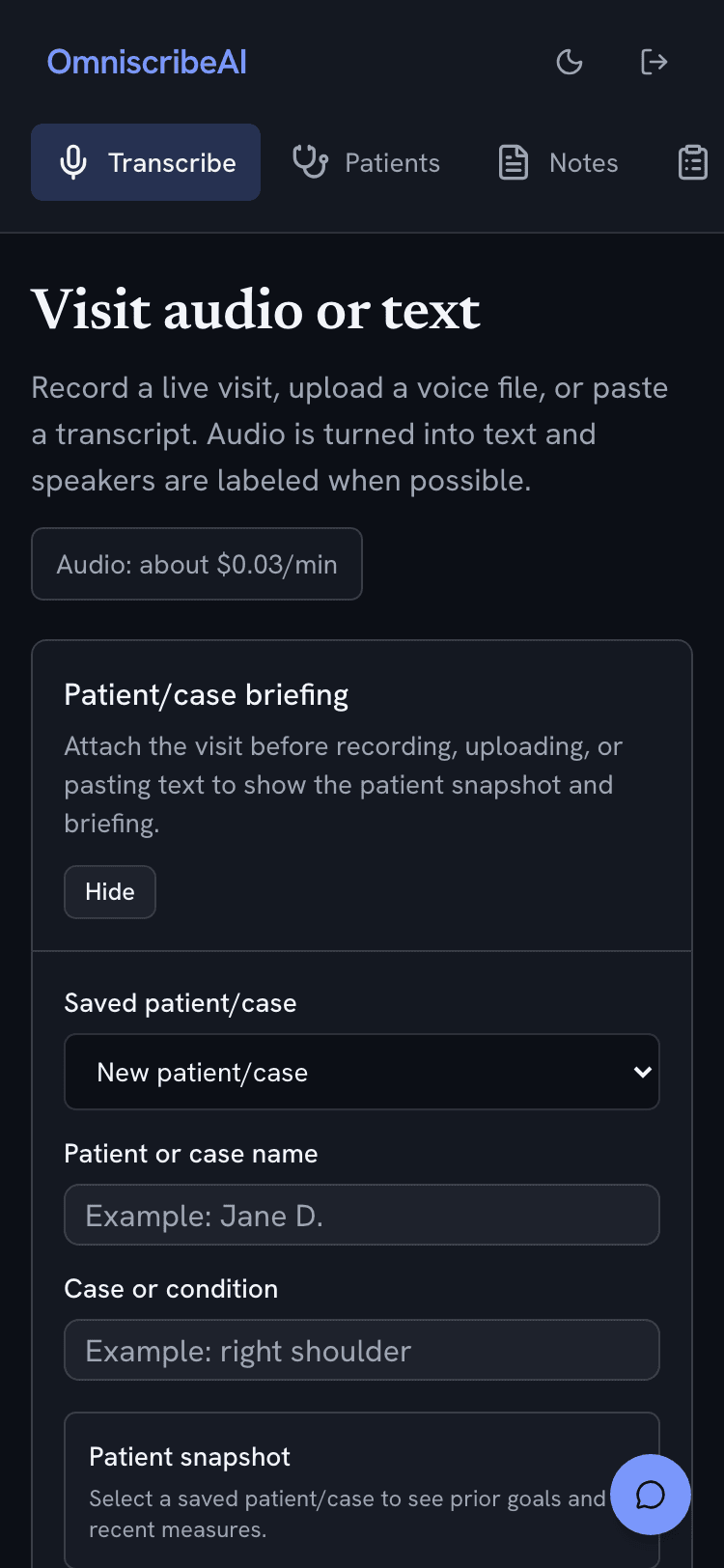
Document the visit while it happens.
Record live, upload a voice file, or paste text — all in one screen. Attach the patient first, and the draft is grounded in this encounter instead of a blank page.
- One screen for live audio, files, and pasted text
- Resume an interrupted recording without losing audio
- The note is half-written before you sit down to chart

The problem
An AI note is only useful if the clinician can defend it.
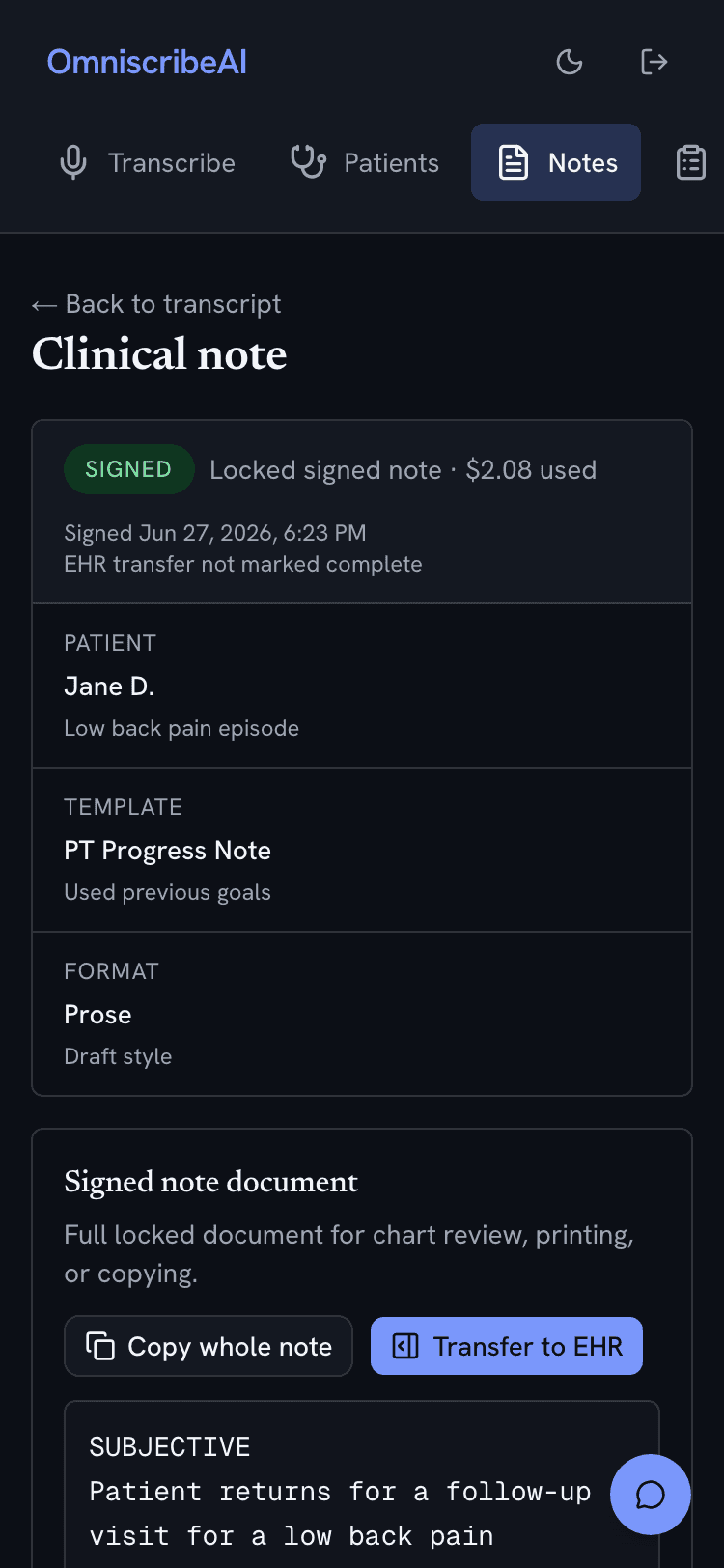
AI drafts. You sign. Always grounded.
Every note is reviewed and locked with a signing PIN, and a source check flags any line not grounded in the visit before you ever sign it.
- A defensible, attributable note — who drafted, who signed, when
- Source check catches copy-forward errors before the chart
- Copy the whole document or section by section into the EHR

The problem
A generic SOAP note doesn't fit a PT eval or a therapy session.
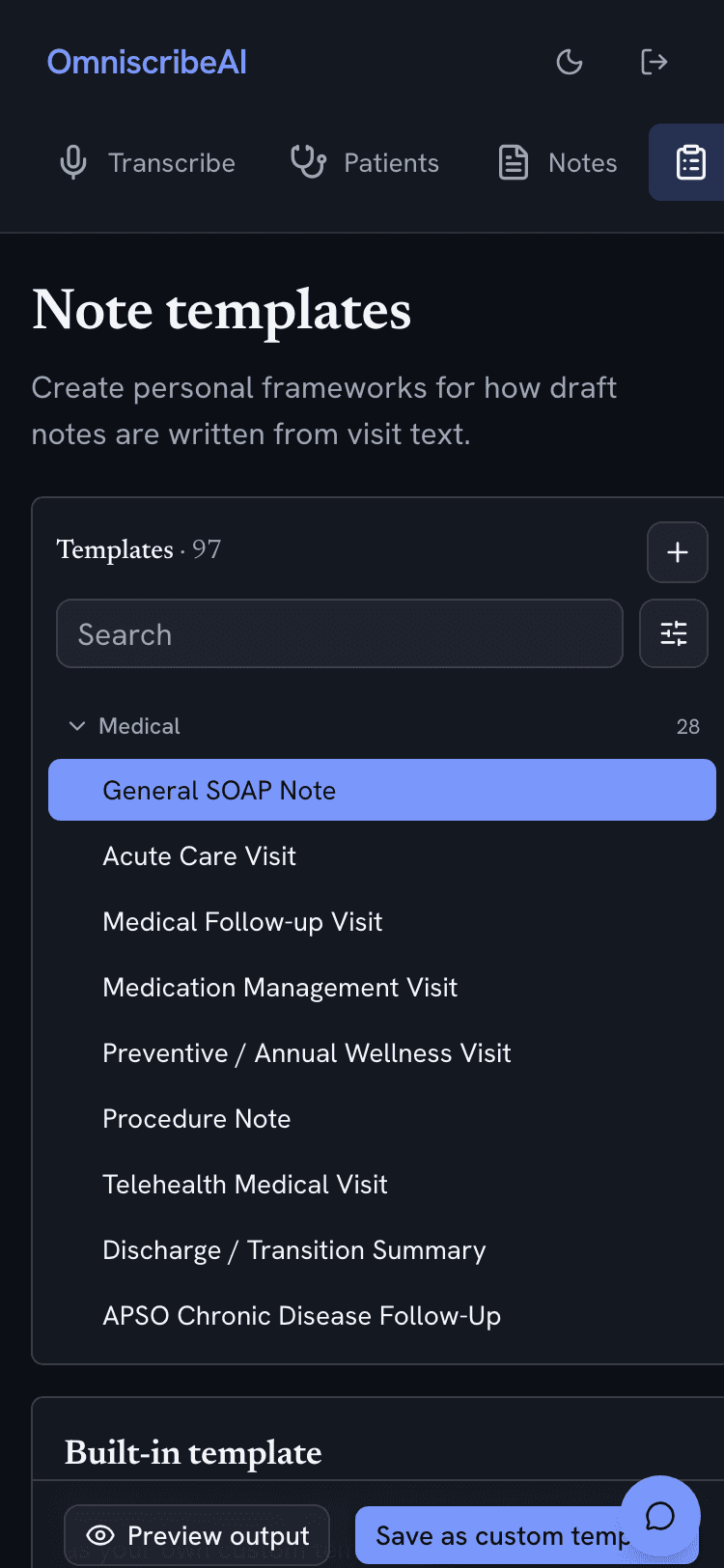
97 templates, tuned to how you practice.
Specialty frameworks span Rehab, Medical, and Behavioral Health across 60+ specialties. Clone any built-in into your own and the AI follows that exact format every time.
- Nearly 100 built-in frameworks, ready to use
- Clone and customize — one house style for the whole team
- Prose, bullet, or hybrid — choose before drafting

The problem
Every visit shouldn't start from a blank chart.
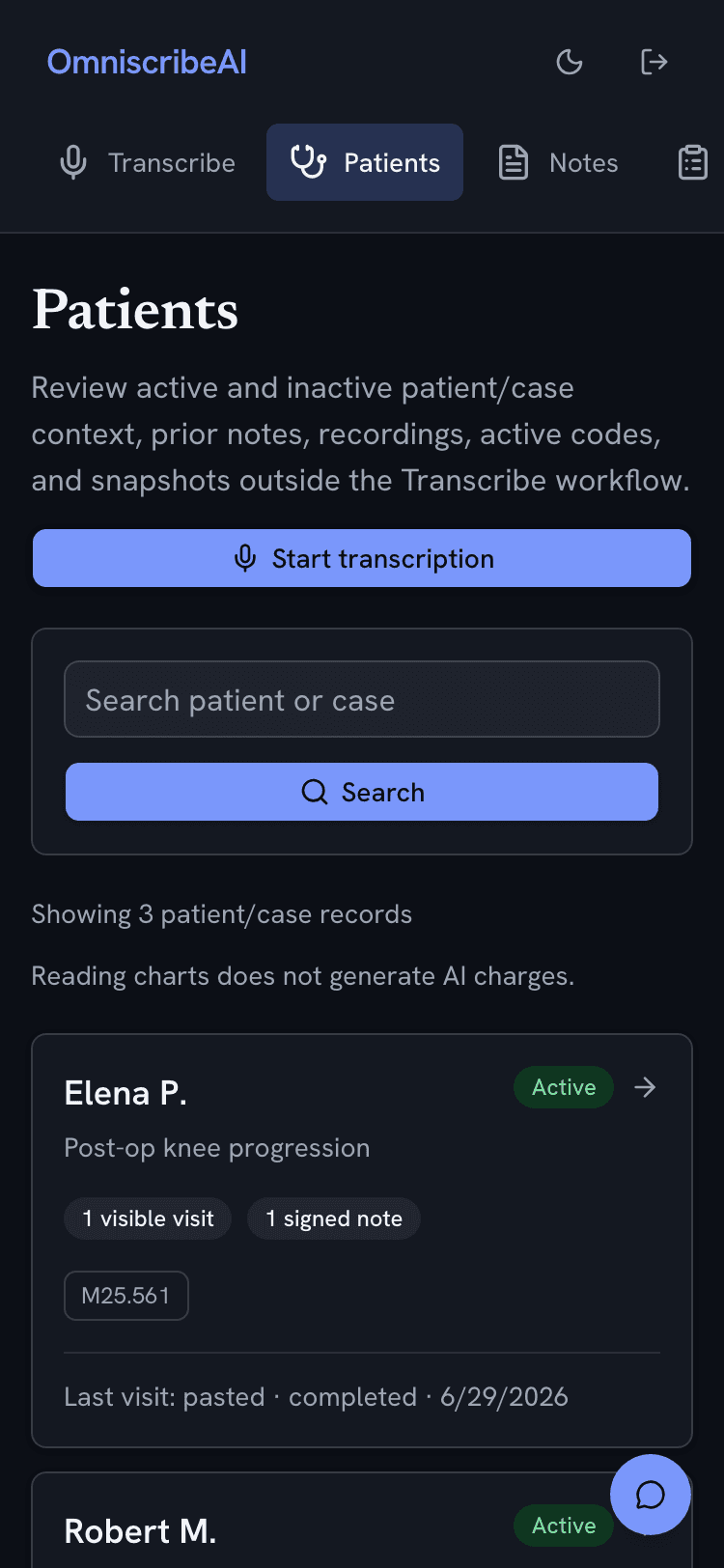
The patient's story carries forward.
Prior signed notes, active diagnosis codes, and recent measures travel with the patient. Trends in pain, range of motion, or PHQ-9 surface at a glance before the next visit.
- Carried diagnosis codes nudge you when today's note diverges
- Objective measures trend up, down, or stable over time
- Behavioral Health stays compartmentalized from other divisions

The problem
Answers live in two places: the chart and the literature.
Ask your charts. Ask the research.
Miss Cleo answers questions from signed notes under BAA, then switches to web-backed medical research that never touches PHI — all without leaving the visit.
- Signed-notes Q&A on the patient in front of you (BAA-covered)
- Research mode with citations and a strict no-PHI guard
- A floating panel that follows you across every screen

The problem
Medical AI has to earn trust before it earns adoption.
HIPAA-grade by construction. Pay for what you use.
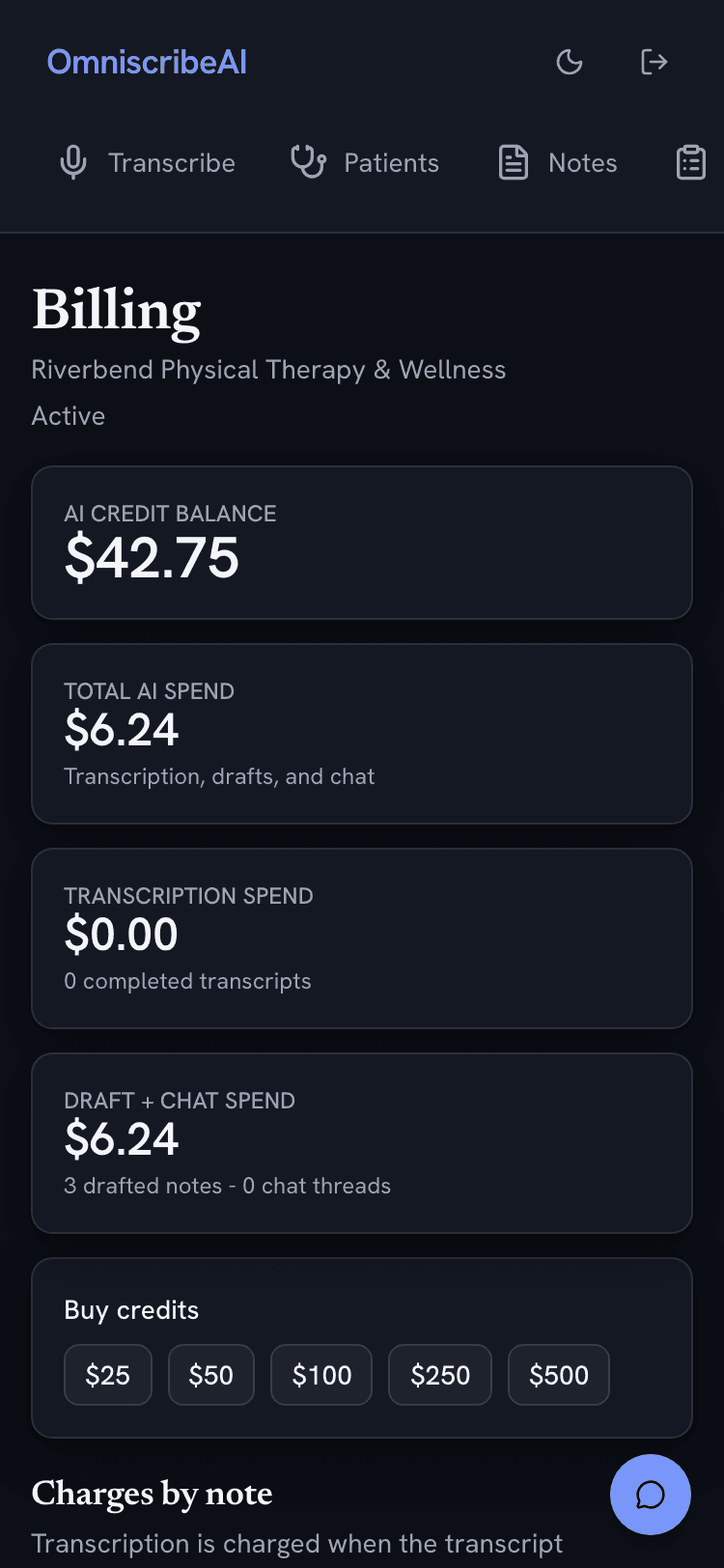
BAA gates every PHI feature, each PHI access is logged, and the clinical and non-clinical AI run on entirely separate paths. Credits show exactly what each note and minute cost.
- BAA gate, separate clinical/non-clinical AI, full PHI audit log
- No patient data in billing, email, or the admin assistant
- A transparent credit wallet — undo a top-up within 24 hours

That's the tour
Try it on a real workflow.
Start with a de-identified visit, pick a template, and review the generated draft before anything is signed.